Karaoke Microphone Mixer System Set with Dual UHF Wireless Mic HDMI &
AUX In/OutUSD $79.99
Condition : New
Free Shipping

Notify me when the price drops
We will email you if we find a lower price on this product!
Troubleshooting:
1. The receiver and microphone cannot be paired. If your receiver light displays red, the receiver and microphone are not paired correctly. Please follow the instructions below:
- Turn off the receiver and handhold microphone.
- Press the “SET” and “POWER” button until the signal bar on the microphone display will flash. You can release the settings and buttons now.
- Turn on the power of the receiver. Your microphone will be paired with the receiver, and the LED light will displays blue, the pairing will be successful.
2.If the receiver's indicator light is blue. But only one microphone has sound, or there is no sound when turns on the two microphones together. Please follow the instructions below:
- Turn on these two microphones to check whether the microphone's screen display are both CHA or CHB together.
- Choose one of the microphones, when the microphone is in power-on state, press the “SET” and “POWER” buttons simultaneously until the frequency flashing, then press the “SET” button three times quickly, the microphone will display CHA or CHB.
Troubleshooting:
1. The receiver and microphone cannot be paired. If your receiver light displays red, the receiver and microphone are not paired correctly. Please follow the instructions below:
1) Turn off the receiver and handhold microphone.
2) Press the “SET” and “POWER” button until the signal bar on the microphone display will flash. You can release the settings and buttons now.
3) Turn on the power of the receiver. Your microphone will be paired with the receiver, and the LED light will displays blue, the pairing will be successful.
2.If the receiver's indicator light is blue. But only one microphone has sound, or there is no sound when turns on the two microphones together. Please follow the instructions below:
1) Turn on these two microphones to check whether the microphone's screen display are both CHA or CHB together.
2) Choose one of the microphones, when the microphone is in power-on state, press the “SET” and “POWER” buttons simultaneously until the frequency flashing, then press the “SET” button three times quickly, the microphone will display CHA or CHB.


K201 Wireless Microphone Karaoke Mixer System, Dual Handheld Wireless Microphone
By Unbranded

$52.99
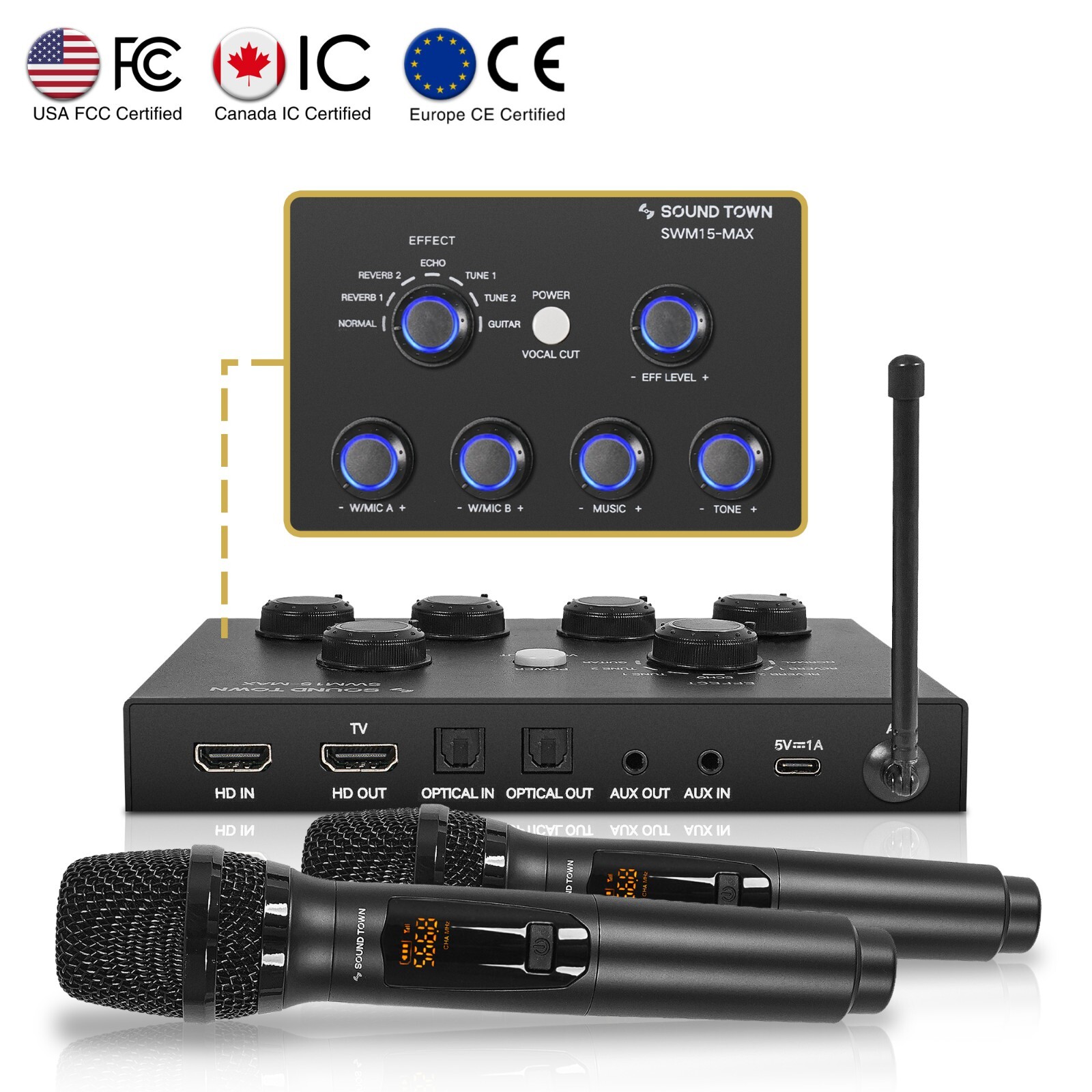
Sound Town Wireless Microphone Karaoke Mixer System w/ 2 Wireless Mic(SWM15-MAX)
By Unbranded
$107.94
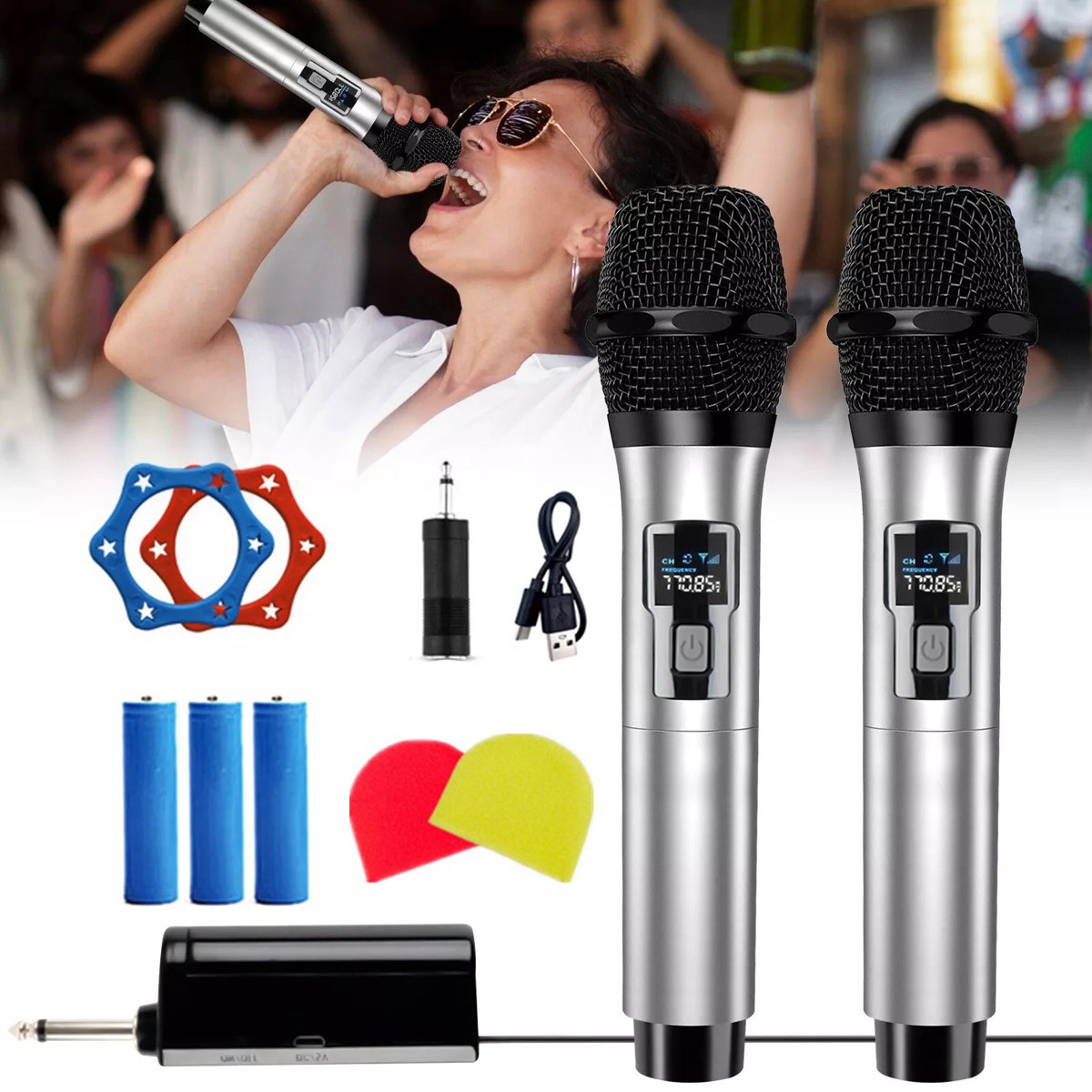
Microphone System Pro UHF Wireless Set Dual Handheld Rechargeable Karaoke Kit US
By Unbranded
$22.99





 .
.
